Where can i find my store credit?Updated 2 hours ago
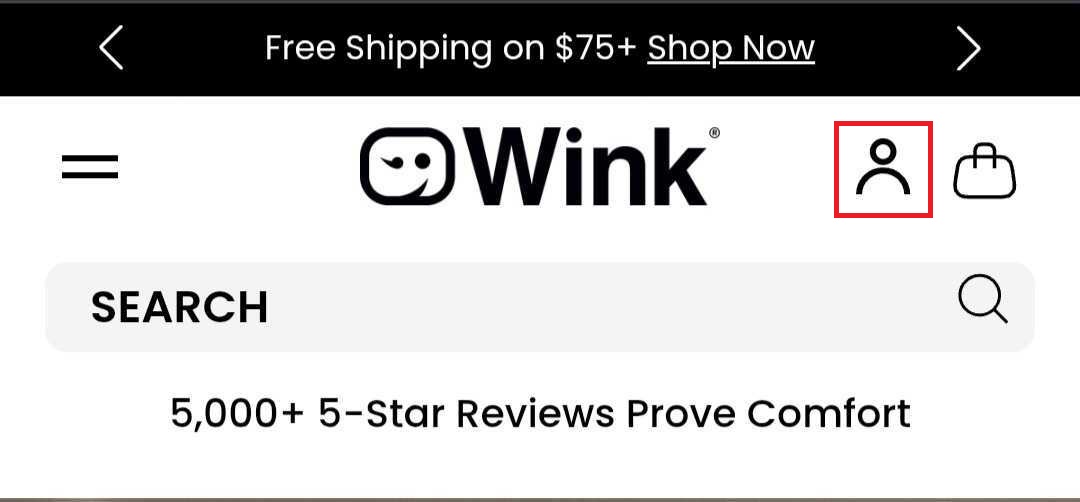
Open the Account Hub by clicking the icon in the top navigation.
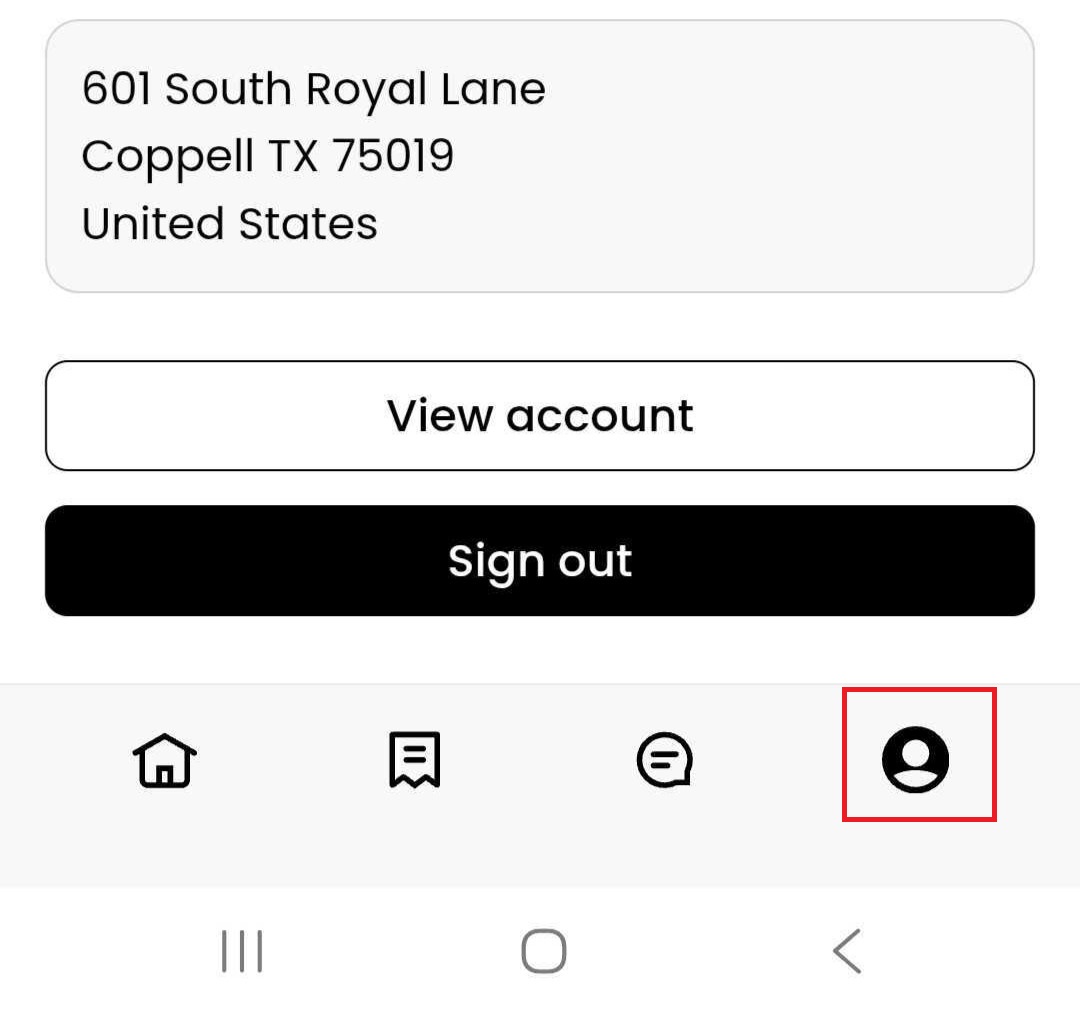
Click the account icon in the bottom-right corner. Then click "View Account".
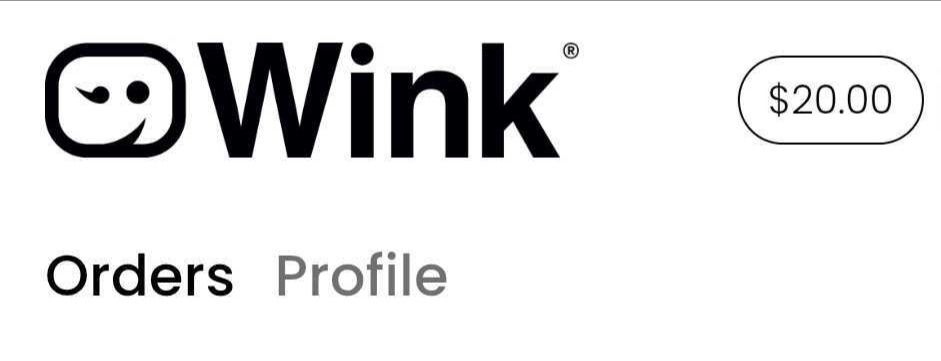
Your available store credit balance will appear in the top-right corner of your account page.
Using Your Store Credit
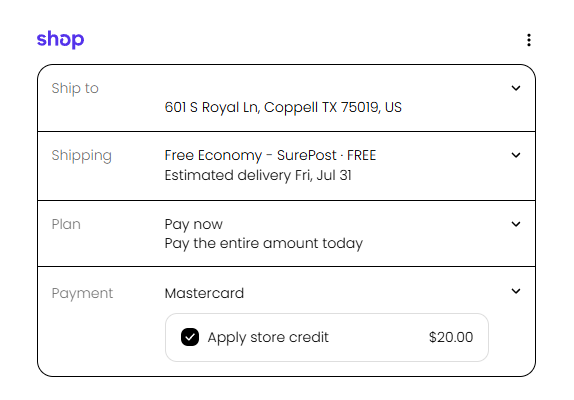
When you're ready to place an order, simply proceed to checkout. If you have available store credit, you'll see it listed as a payment option and can choose to apply all or part of your available balance to your purchase.